Image export is a premium feature available to healthcare providers upon request. Visit our Features Page or email support@surgimap.com to request this feature.
To export measurement data for your entire Surgimap database:
1. Go to the Database screen
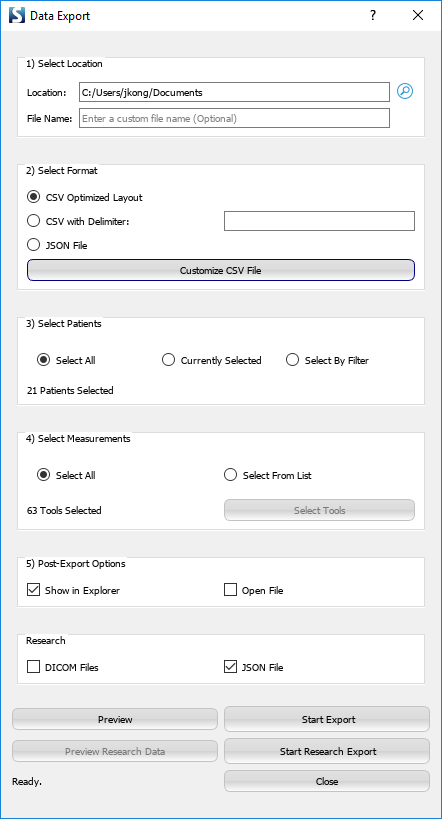
2. Click the Export Database Spreadsheet icon on the right menu bar 
3. Select export location, file format, patients, measurements, etc.
To export measurement data for one particular image:
1. Open the image on the Measure screen
2. Click the menu icon at the top right corner of the image
3. Select Data Export
4. Select export location, file format, measurements, etc.